Tip screens: how to set yours up without annoying customers (Square, Toast, Clover)
How to set tip percentages on Square, Toast and Clover, when to show the tip screen, what the taxi default-tip research implies, and counter sign wording that keeps the ask fair.
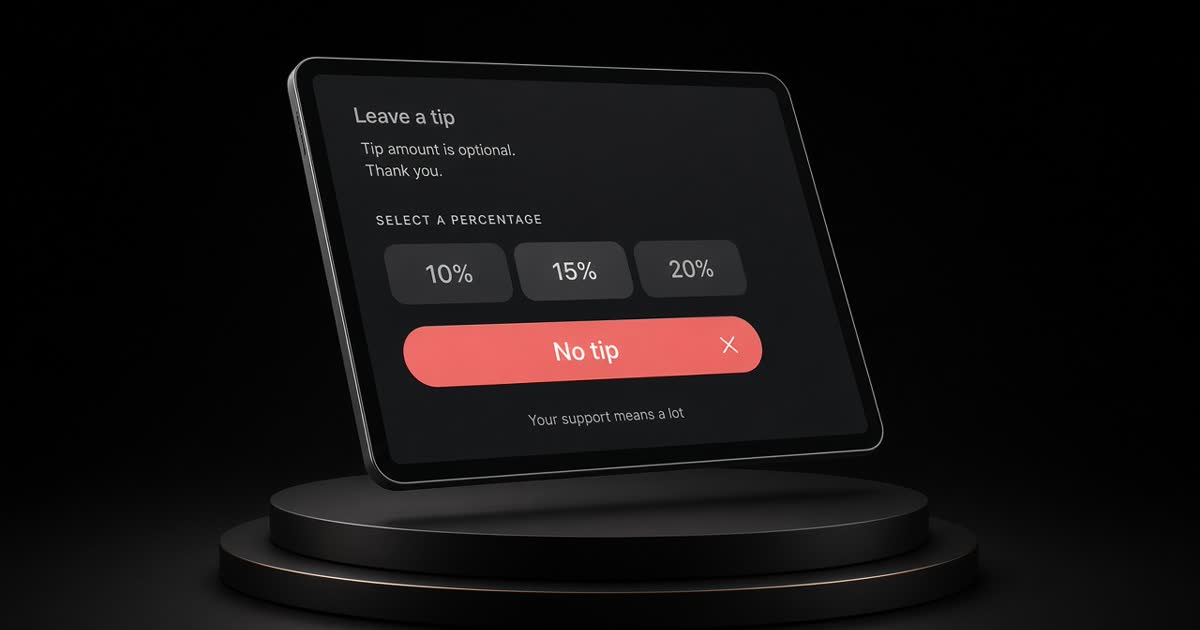
A tip screen is not a tip jar. It puts three numbers in front of someone who is already holding a card. Set those numbers on purpose — or the software's defaults will set them for you.
Below: what the best-known default-tip study found, how to think about counter vs table service, setup notes for Square, Toast and Clover from their help pages, and a short sign you can put by the till.
What the research actually says
Economists Kareem Haggag and Giovanni Paci studied over 13 million New York City taxi rides from 2009 (Default Tips, AEJ: Applied Economics 2014). When the suggested buttons jumped at the $15 fare (from dollar amounts to 20% / 25% / 30%), average tips rose — and riders were over 50% more likely to leave a zero tip on the card.
Read that as a design warning, not a restaurant law. Push the defaults too high and some people push back. For a café flat white, a top button of 30% often feels like a different social contract than a taxi ride.
Practical takeaway: pick three percentages you can explain without wincing, always offer No tip and Custom, and revisit the set when customers start joking about it out loud.
Counter service vs table service
| Situation | Tip-screen habit that usually feels fairer |
|---|---|
| Quick counter / takeaway | Modest % set; tip before or with payment; staff facing the guest; optional sign ("Tips go to the team on shift"). |
| Table service with servers | Tip on the check after the meal; if the POS forces a tablet, say who receives it; don't surprise a table with a 30% default for pouring water. |
| Retail with no table service | Many shops turn tipping off for pure product sales. If you tip for a service add-on (alterations, tasting), say so on the line item. |
| Large party / auto-gratuity | That is a service charge, not a tip suggestion. Write it on the menu and the bill; follow local rules on who it belongs to. |
If your team does not share tips, do not imply they do on the sign.
Square: where the toggles live
From Square's Help (Set up and customize tipping) — confirm in your dashboard, because menus move:
- Enable tipping — Point of Sale: More → Settings → Checkout → Tipping → Collect tips. Or set it per mode in Dashboard → Settings → Device Management → Modes.
- Choose amounts — Smart tip amounts (under $10: $1 / $2 / $3; $10+: 15% / 20% / 25%) or Set percentage amounts (three custom %).
- Before or after card — Ask for tips before payment makes the flow cart → tip screen → card tap. Turning it off moves tipping later (for example with signature).
- Custom + calculation — allow custom amounts; choose tip before or after tax.
If every preset is 0% and custom is on, customers mainly see Custom and No tip — useful when you want tipping optional and quiet.
Toast: tip percentages
Toast's help for tip options (including online ordering UI) lives under Front of house order-screen setup — see Toast's current article on setting up tip options. In Toast Web, owners typically set suggested tip percentages, save, and publish so devices pick up the change.
Exact clicks differ by Toast module (POS vs online). Use Toast's search for "tip percentages" in your Help Center if the path above has moved, and publish after every change so the floor devices match the office.
Clover: suggested tips
On Clover, tipping preferences are usually under the Setup app → Tips (wording varies by device and region). Merchants can set suggested tip percentages, choose on-screen vs paper, and in some setups use smart tips that switch from dollar amounts to percentages above a threshold. Start from Clover Help: Set tipping preferences and Add tips to a transaction.
As with Square and Toast, treat the Help article as the checklist — not a screenshot from a blog dated two years ago.
A fair default set (starting point, not a rule)
For counter coffee / quick service, a defensible starting set is often:
- 10% · 15% · 20% or 15% · 18% · 20%
- Custom
- No tip (visible, not buried)
For full-service dining where tipping is the wage model, many rooms use 15 · 20 · 25 — still with No tip and Custom. If you jump to 20 · 25 · 30 for a counter pastry, expect more eye-rolls and more zeros (same pattern the taxi study saw when defaults jumped).
Revisit once a quarter. Ask staff what guests say out loud.
Sign wording that helps
Put one sentence where the tablet sits:
Tips go to the team working today. No tip is fine — thank you for coming in.
Or, if you pool:
Optional tip — shared by the team on shift.
Avoid guilt ("We're a family") and avoid fake math ("Industry standard 30%"). Clear beats clever.
A five-minute checklist
- Open your POS tipping settings today.
- Write down the three percentages currently showing (or Smart defaults).
- Decide counter vs table rules for your room.
- Set modest presets + Custom + No tip.
- Add a one-line sign; tell the team what to say if someone asks.
If you want a first draft of that counter sign in your voice, Mia in GBot can write two options for you to edit — nothing posts or prints until you say so.
A tip screen should feel like a clear ask, not a trap. Set the buttons like you mean them.
Related posts
How to reply to Instagram DMs fast: templates for prices, hours and bookings
Saved-reply templates for Instagram business DMs — prices, hours, bookings, waitlists — plus a same-day habit and what to move off chat to a booking link or phone call.
Fake Google reviews: how to spot them, report them and reply (without breaking the rules)
How to spot fake Google reviews, report them for removal in Business Profile, appeal if needed, write a calm public reply, and what never to do under Google's rules and the FTC reviews rule.
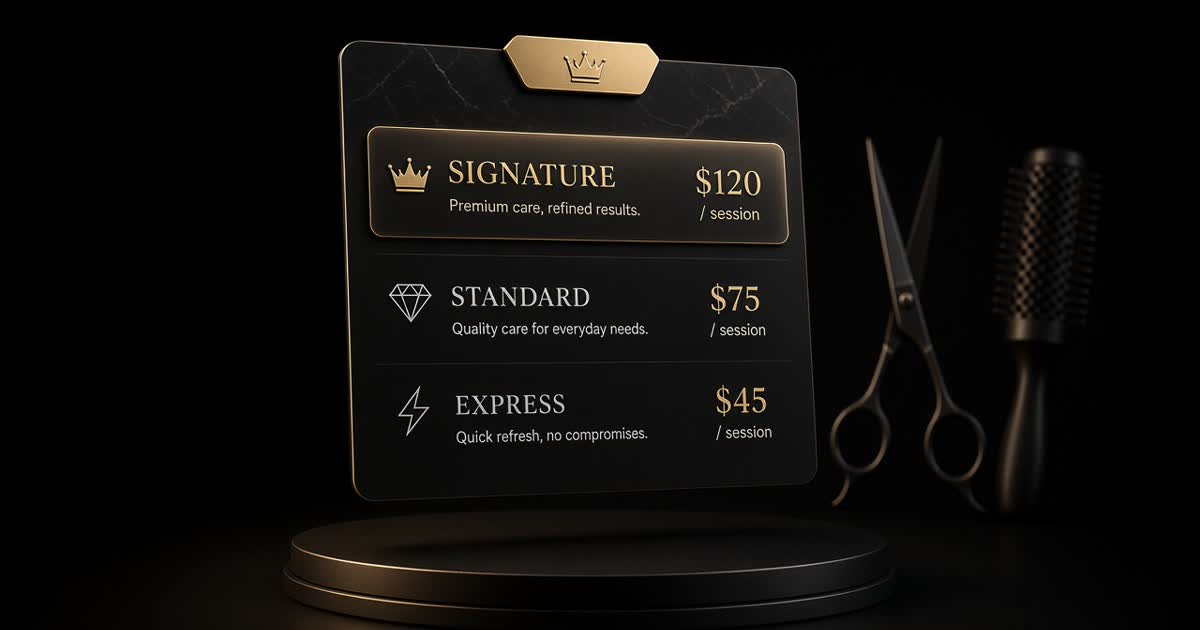
How to price salon services: a simple formula (with a worked example)
A simple cost-per-booked-hour formula for salon pricing, a worked example for a cut and a colour, how to set tiers including a showpiece service, and how to announce a change.