Fake Google reviews: how to spot them, report them and reply (without breaking the rules)
How to spot fake Google reviews, report them for removal in Business Profile, appeal if needed, write a calm public reply, and what never to do under Google's rules and the FTC reviews rule.
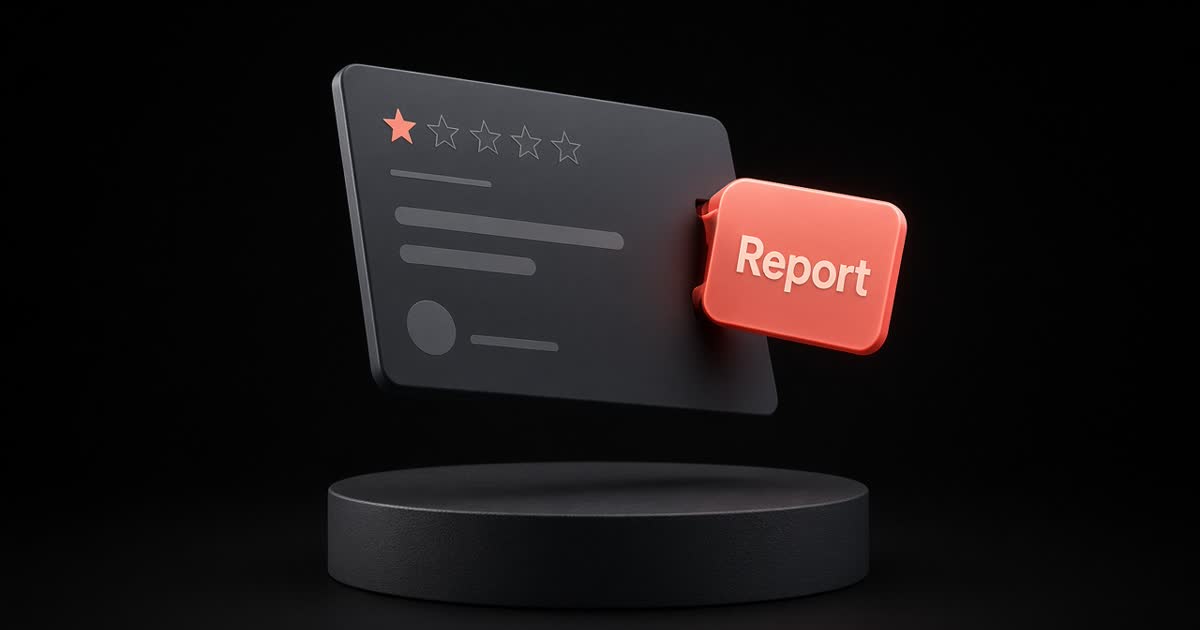
A fake one-star review feels personal. The move that helps most is usually boring: flag what breaks Google's rules, reply calmly for everyone else reading, and never fight fire with fake five-stars.
Below: how to spot likely fakes, Google's report and appeal flow, a public reply you can copy, and what the FTC's reviews rule means for a small café, salon or shop.
What Google will (and won't) remove
Google says you can report any review, but only reviews that violate its content policies are eligible for removal. Do not report a review just because you disagree with it. Negative but honest feedback is allowed, and Google doesn't mediate disputes between businesses and customers (Report inappropriate reviews).
So "this was unfair" is not a removal reason. Spam, fake content, conflicts of interest that break the rules, impersonation, and other policy violations are the lane that can get a review taken down. Always check Google's current prohibited and restricted content guidance before you flag.
How to spot reviews worth flagging
None of these prove a review is fake on their own. Together, they are reasons to look closer and, if a policy looks broken, to report:
- No matching visit. No booking, receipt, order or walk-in that fits the date, time or details.
- Wrong business or wrong product. They describe a different shop, a dish you don't serve, or a city you're not in.
- Copy-paste or generic language. The same paragraph appears on several businesses, or the text could apply to any shop.
- Sudden burst. Many similar reviews in a short window, often from new or thin profiles.
- Extortion pattern. A message that demands money, free product or a refund or else a one-star appears. Google has a separate path for extortion scams involving negative reviews — use it (same Help article).
Keep screenshots and notes (date flagged, reason chosen). You'll want them if you appeal.
How to report a review for removal
From your Business Profile
- Open your Business Profile.
- Select Read reviews.
- Next to the review, select Report.
- Choose a reason (for example Spam or Profanity).
- Send the report.
With the Reviews Management Tool
Google also lets you report and track status in the Reviews Management Tool. Statuses include decision pending, report reviewed with no policy violation, and escalated (check email).
One-time appeal
If Google finds no violation and you disagree, you can submit a one-time appeal for eligible reviews (up to 10 at a time in the tool). You'll get an email with the result. If it still complies with policy, it stays live.
Evaluation typically takes several days. Third-party reviews that appear on your Profile may follow slightly different paths in some regions — see Google's notes on third-party reviews in the same Help article.
Reply in public while you wait
Reporting is private. Your reply is public, and people deciding whether to visit will read it. Use a short, specific reply even when you think the review is fake.
Template (possibly fake / can't match visit)
Hi [Name], we take every review seriously, but we can't find a visit or booking that matches this. Could you email us at [email] with the date and what happened, so we can look into it? [Your name], owner
Why it works: you don't accuse them of lying in public, you leave a door open, and readers see you as calm.
For other complaint types (slow service, wrong order, price), use a specific reply — see How to reply to a bad Google review.
What never to do
- Don't buy reviews (yours or a competitor's). Google prohibits fake engagement, and the FTC's Consumer Reviews and Testimonials Rule (in effect since 21 October 2024) targets writing, creating or selling fake reviews, and buying reviews that must express a particular sentiment.
- Don't offer incentives to change or remove a truthful review. Google already bans offering free or discounted goods to get a review changed or removed. Paying to bury honest criticism can also create problems under the FTC Act.
- Don't threaten, stalk or make unfounded legal threats to get a review taken down. The FTC rule addresses review suppression of that kind.
- Don't argue the customer's story in public. Readers side with the shorter, calmer voice — usually not the defensive one.
- Don't hire a "guaranteed removal" service that asks you to ignore Google's process. If a review breaks policy, Google's flag and appeal path is the legitimate route.
A simple weekly habit
- Check new reviews after a quiet part of the day.
- Reply to negatives first (formula: thank + name the problem + what you're doing + offline + your name).
- Flag anything that looks like a policy violation; note the date.
- Check the Reviews Management Tool once a week for decisions and appeals.
- Thank a few genuine five-stars with one specific detail.
If the hard part is finding calm words under a one-star, Nora in GBot can draft a reply in your voice for you to approve before anything posts.
Clear, honest reviews help customers. So does a clear, honest reply when something on your Profile isn't.
Related posts
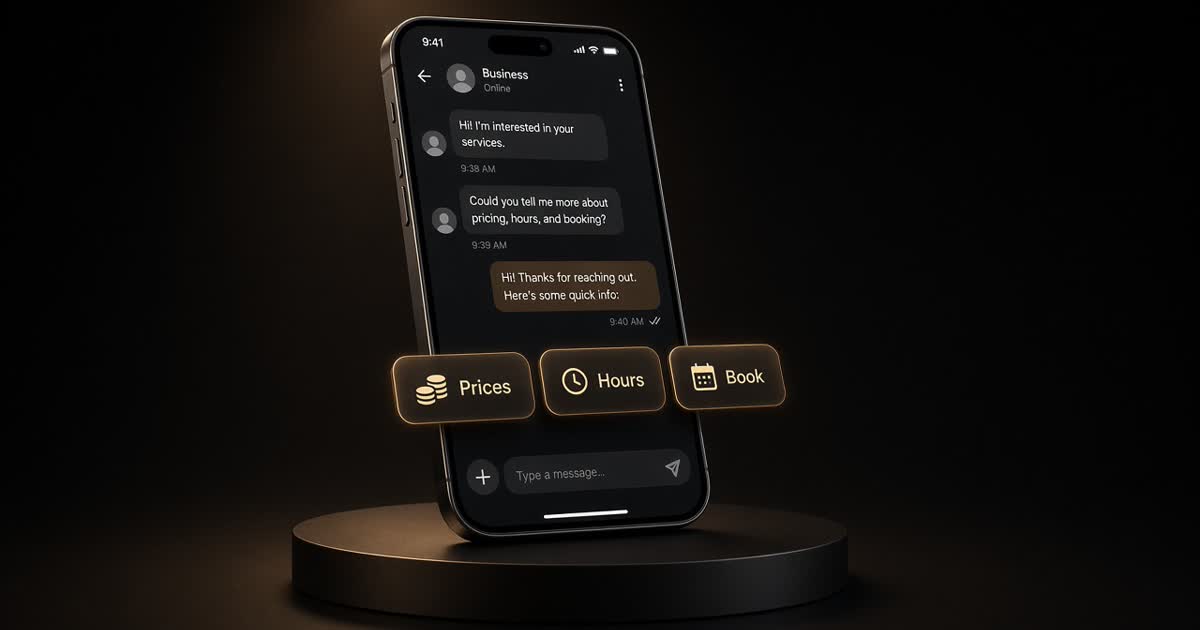
How to reply to Instagram DMs fast: templates for prices, hours and bookings
Saved-reply templates for Instagram business DMs — prices, hours, bookings, waitlists — plus a same-day habit and what to move off chat to a booking link or phone call.
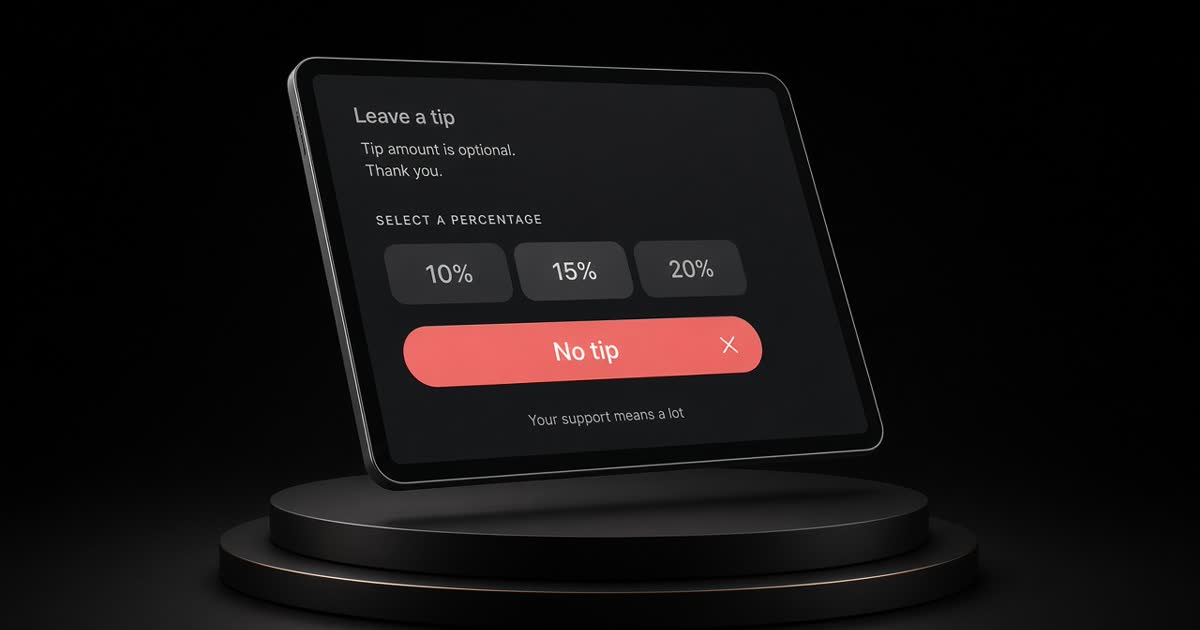
Tip screens: how to set yours up without annoying customers (Square, Toast, Clover)
How to set tip percentages on Square, Toast and Clover, when to show the tip screen, what the taxi default-tip research implies, and counter sign wording that keeps the ask fair.
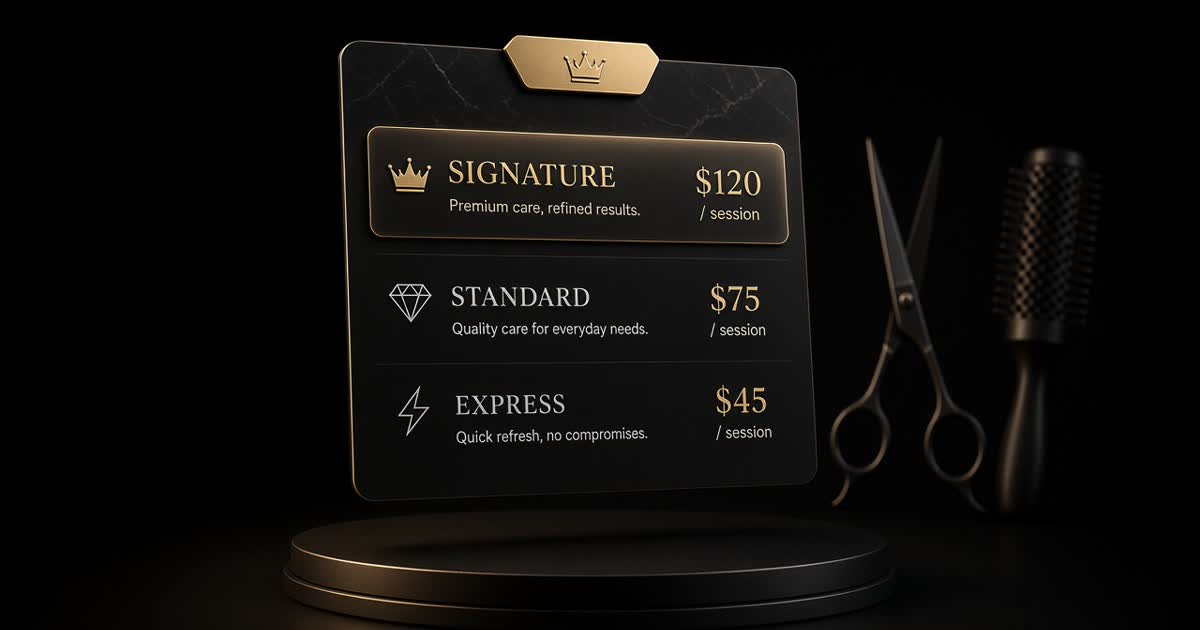
How to price salon services: a simple formula (with a worked example)
A simple cost-per-booked-hour formula for salon pricing, a worked example for a cut and a colour, how to set tiers including a showpiece service, and how to announce a change.