How to reply to Instagram DMs fast: templates for prices, hours and bookings
Saved-reply templates for Instagram business DMs — prices, hours, bookings, waitlists — plus a same-day habit and what to move off chat to a booking link or phone call.
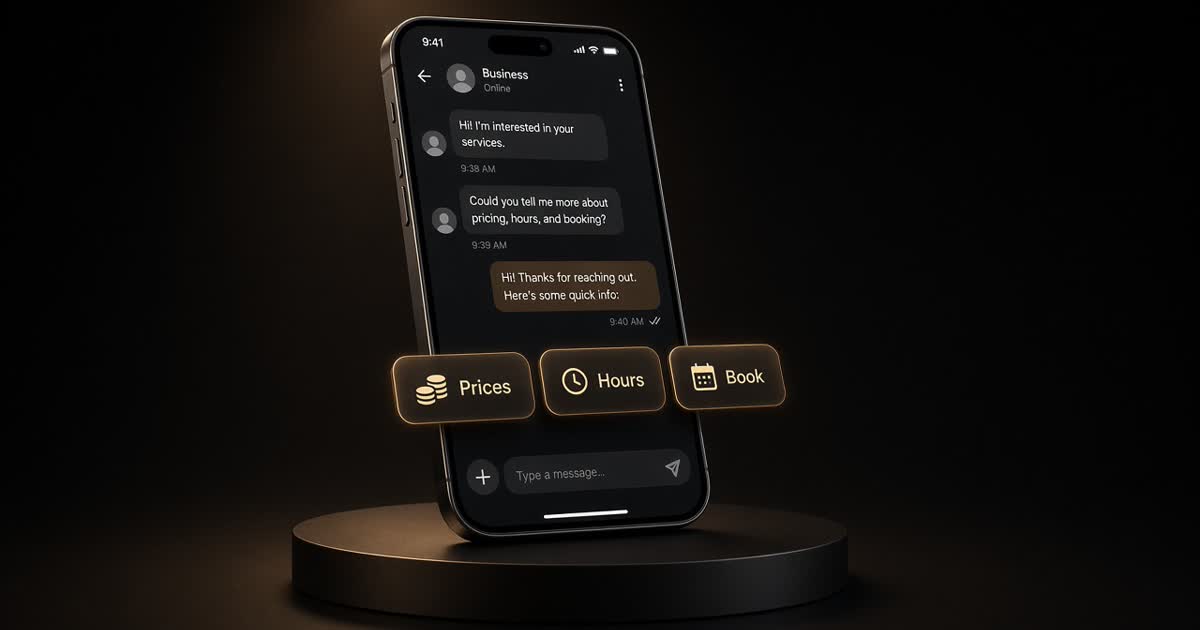
Most Instagram DMs to a café, salon or shop are not conversations. They are tickets: How much? Are you open? Can I book Saturday?
Answer those three fast, in your voice, with a clear next step — and you free the inbox for the messages that actually need a human thread.
Below: a small set of saved replies, a same-day habit, and what to move off DM.
The same-day habit (ties to service)
Treat the Instagram inbox like the till at close:
- Check DMs once in the morning quiet and once before you leave.
- Clear prices / hours / book first (templates below).
- Park anything that needs a photo or a manager decision with a one-line holding reply.
- Never leave a booking question overnight on a day you still have open slots.
Speed here is the same idea as same-day review replies: people feel looked after before you have done anything clever.
Templates you can save
Edit the brackets. Keep each reply under a few lines so it reads like a text, not a brochure.
1) Price of a service or item
Hi [Name] — [Service/item] is [price] (takes about [time]).
Want me to hold a time [day/window]? Book here: [link]
— [Your name]
If prices vary:
Hi [Name] — [Service] starts at [from-price]; exact quote depends on [hair length / size / add-ons].
Send a quick photo or book a consult here: [link]
2) Hours / are you open
Hi — we're open [days] [hours].
Last seating / last appointment [time].
See you soon — [Name]
Holiday variant:
Hi — this week we're [holiday hours]. Normal hours again from [date]. Thanks for checking.
3) Book / availability
Hi [Name] — I can do [option A time] or [option B time].
Grab either here: [booking link]
If you need something else, reply with two times that work.
If you're full:
Hi [Name] — we're full on [day]. Next open is [day/time] — want it?
Waitlist: reply WAITLIST and your flexible window.
4) "How much for a group / party / bridal"
Hi [Name] — for groups of [N]+ we use a short form so the quote is right: [link or email].
Include date, party size, and what you need. I'll reply within [one business day].
5) Product in stock / hold it
Hi [Name] — yes, we have [item] ([price]). I can hold it until [time/day] under your name.
Want me to put one aside?
6) Complaint or wrong order (keep short; move offline)
Hi [Name] — I'm sorry about [specific thing]. That's on us.
Can you email [email] or call [phone] so I can fix it today? — [Owner name]
Don't argue product quality in a DM thread with an audience of one who is already annoyed. Fix it offline.
7) Holding reply when you need a minute
Got this — I'm on the floor until [time]. I'll reply properly before then.
FAQ grid for Highlights (cuts DMs)
Pin or Highlight five answers so the templates can point at them:
| Slide | One line |
|---|---|
| Hours | Days + open/close + last order |
| Prices | Top 5 "from" prices + link to full list |
| Book | Booking link + cancellation window |
| Location | Address + parking/transit one-liner |
| Allergens / policies | Honest one-liners, not a novel |
Update the Highlight the same day you change a price. A wrong Highlight creates angry DMs.
Café vs salon: two example weeks
Café — Monday you save replies for flat-white price, Saturday hours, and catering "email us." Wednesday you update the Hours Highlight because you close early for a private event. Friday before rush you clear the inbox once; anything about allergen details gets the holding reply and a phone call.
Salon — Monday you refresh the "from" price list on the Prices Highlight after a colour-product cost change. Every DM that asks for bridal or a big colour correction gets template 4 (form/email), not a guess in chat. Same-day replies on booking questions on days you still have gaps; waitlist template when you don't.
The templates stay the same. Only the Highlight links and the [brackets] change.
A weekly 20-minute inbox reset
- Scan — archive spam and "thanks!" threads.
- Update — any price or hour that changed this week → edit the saved reply and the Highlight.
- Fill gaps — if one question appeared three times and you have no template, write it now.
- Handoff — tell whoever opens tomorrow which threads still need a human answer.
Do this once, on a quiet day. The templates only work if the prices inside them are true.
What to move off Instagram
| Keep in DM | Move out |
|---|---|
| Price, hours, simple booking | Deposits and contracts → booking tool / email |
| "Do you have X in stock?" | Card numbers, ID photos → never in DM |
| Reschedule within policy | Complex complaints → phone or email with a ticket trail |
| Compliments (say thank you!) | Influencer / paid collab terms → email |
Mute-GBot note
If drafting replies is the slow part, Nora in GBot can draft a DM in your voice for you to approve — no auto-send. Delete that sentence and this post still works: the templates above are enough on their own.
Clear DMs are part of customer service. Same day. Clear next step. Your real hours and prices — never guesses.
Related posts
Tip screens: how to set yours up without annoying customers (Square, Toast, Clover)
How to set tip percentages on Square, Toast and Clover, when to show the tip screen, what the taxi default-tip research implies, and counter sign wording that keeps the ask fair.
Fake Google reviews: how to spot them, report them and reply (without breaking the rules)
How to spot fake Google reviews, report them for removal in Business Profile, appeal if needed, write a calm public reply, and what never to do under Google's rules and the FTC reviews rule.
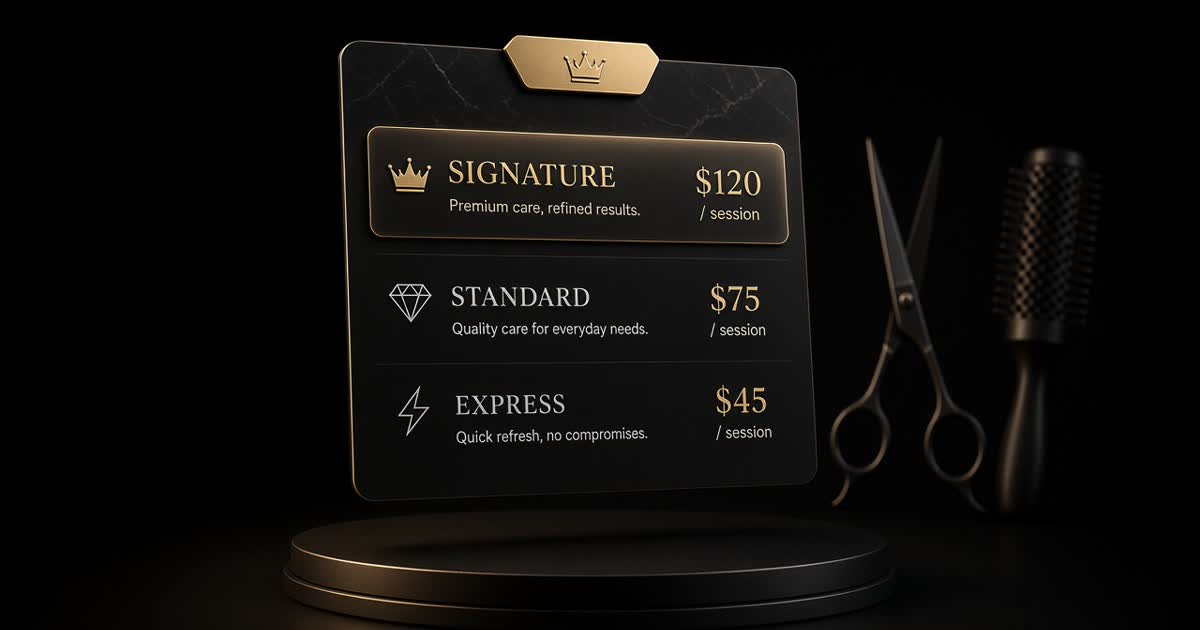
How to price salon services: a simple formula (with a worked example)
A simple cost-per-booked-hour formula for salon pricing, a worked example for a cut and a colour, how to set tiers including a showpiece service, and how to announce a change.