Google Maps Message Button: Set Up Chat and Reply Fast
Google Maps now shows Message next to Call. How to link WhatsApp or text to your Business Profile, set an away message and reply with 6 templates.
Key takeaways
- •Google Maps on Android and iOS now shows a Message button right next to Call for businesses that have set up chat on their Business Profile.
- •The button opens WhatsApp or a text message to the number you choose. Google does not host the chat, so replies happen in the app you already use.
- •Add it in your Business Profile under Edit profile, Contact, Chat. If you add both WhatsApp and text, Google shows only the text option.
- •Only switch it on for a channel someone checks every day, and set an away message so people know when to expect an answer.
- •Keep five or six first replies ready for the questions you get most: price, availability, booking, location and jobs you do not take.
The short answer: Google Maps now puts a Message button right next to Call on business listings, on both Android and iOS. It only appears if you have added a WhatsApp link or a text-capable phone number to your Google Business Profile. Add the channel you actually check, set an away message, and keep a few first replies ready so people who tap Message get an answer instead of silence.
This guide is for salons and barbers, plumbers, electricians and cleaners, gyms and studios, clinics, shops and small agencies. It covers what changed, the setup steps, a quick check before you switch it on and six copy-paste replies.
What changed on Google Maps
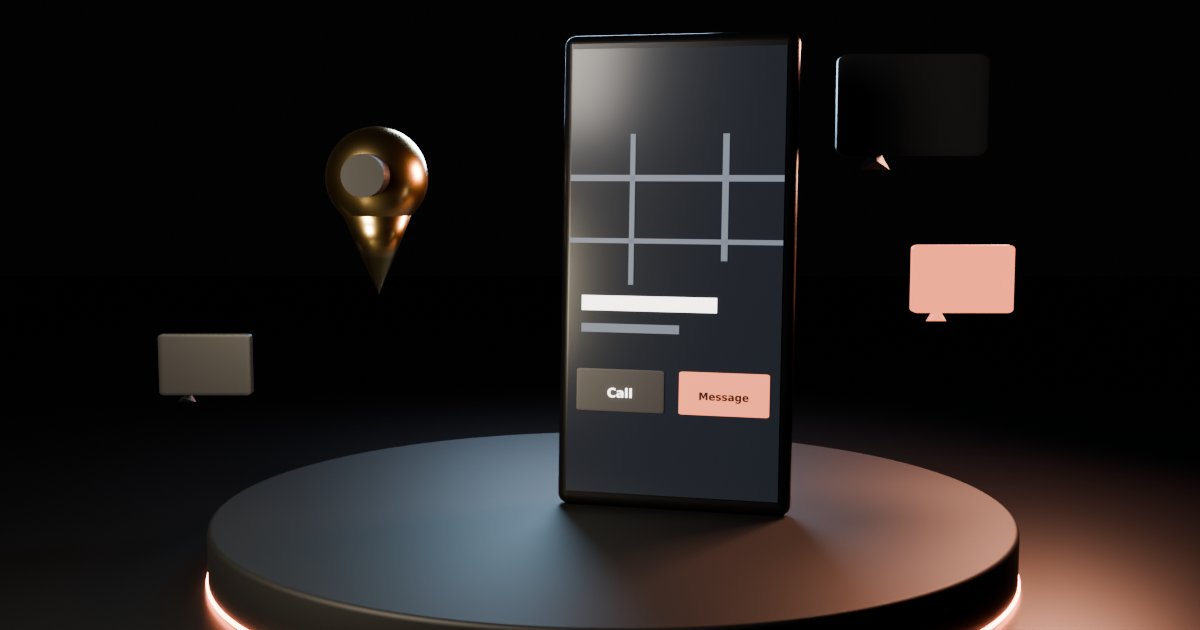
In its monthly Small Business Bulletin, Google announced that customers on Android and iOS "can now find a prominent Message button right next to 'Call'" on a Google Maps listing (Search Engine Roundtable covered it on 6 November 2026). Before, finding chat on Maps meant scrolling deep into the profile. Now it shows in the profile view, the expanded header and the bottom action bar.
Tapping it sends the customer to the channel you set up, WhatsApp or SMS. Google's pitch is simple: when you are mid-appointment or on a job and cannot pick up, the customer can still ask about availability or appointment details instead of giving up.
Two things did not change:
- Google does not host the conversation. Google's own Business Profile chat ended on 31 July 2024. Messages land in WhatsApp or your texts.
- Answering is still your job. A button that leads to an inbox nobody checks is worse than no button.
How to add WhatsApp or text to your Business Profile
From Google's help page on chatting with customers from your Business Profile:
- Go to your Business Profile (it must be claimed and verified).
- Click Edit profile, then Contact.
- Next to Chat, select Edit.
- In the Chat drop-down, choose WhatsApp or Text message.
- Add your WhatsApp click to chat URL, or a phone number that can receive text messages.
- Click Save.
For WhatsApp, the link format is https://wa.me/ followed by your full number in international format, with no zeros, brackets or dashes in front (WhatsApp Help). For a US number that looks like https://wa.me/15551234567. Tap your own link once to check it opens the right chat.
Good to know:
- Chat options are available in select regions only and might not show for your profile.
- If you add both WhatsApp and text, Google shows customers only the text option.
- Several Business Profiles (for example, two locations) can share the same WhatsApp link.
While you are in the profile, check your hours, services and booking link too. Our Google Business Profile checklist covers the rest, and the holiday hours guide covers special hours through New Year.
WhatsApp or text: which to pick
Pick the one your team already watches.
- WhatsApp suits businesses that already chat with customers there, and it lets you set an away message and a greeting in the WhatsApp Business app.
- Text suits businesses where customers expect a normal number, such as trades and home services. Use a number that can actually receive texts. A landline that cannot will lose every message.
If two people answer, decide who owns the inbox on each day. The button works best when one named person checks it.
Before you switch it on: a 5-point check
- The link or number opens the right chat on your own phone
- Someone checks it at least twice a working day
- An away message is set for evenings, weekends and days off
- Your prices, hours and policies are written down, so every reply says the same thing (an FAQ page is the quickest way)
- You have first replies ready for your top five questions (below)
Set an away message (WhatsApp Business)
In the WhatsApp Business app, an away message tells people you are busy and when you will reply. From WhatsApp's help page:
- Open the Tools tab and tap Away message.
- Turn on Send away message and edit the text.
- Under Schedule, choose Always send, Custom schedule or Outside of business hours (this one only appears if you have set business hours in your business profile).
- Choose Recipients, then save.
Your phone needs an internet connection for it to send. You can also set a greeting message, which goes to people who message you for the first time or after 14 days with no messages.
Example away message:
Thanks for messaging [Business]! We're with clients right now and reply between [9am and 6pm, Mon to Sat]. To book straight away, use [booking link].
First-reply templates (copy, edit, send)
Swap the brackets for your own details. Keep them short: this is a chat, not an email.
1. Price question (salon, groomer, cleaner)
Hi [Name], thanks for finding us on Google! A [service] starts at [from price] and takes about [time]. The final price depends on [length / size / condition]. Want me to check the next free slot?
2. "Are you free today?" (trades, home services)
Hi [Name], thanks for the message. I'm on a job now but can come by [day / time window]. Can you send your address and a photo of the problem so I can bring the right parts?
3. Booking (gym, studio, clinic)
Hi [Name]! You can book [class / appointment] here: [link]. First visit? Arrive [10] minutes early and bring [what to bring]. Any questions, just reply here.
4. Stock or opening question (shop, maker)
Hi [Name], yes, we're open today until [time] at [address]. I'll check if [item] is in stock and reply within [time]. Want me to hold one for you until [time]?
5. Something you do not do
Thanks for asking, [Name]. We don't [offer that service], but [nearby business / alternative] might. If you ever need [what you do], we'd love to help.
6. Follow-up if they go quiet (one only)
Hi [Name], just checking you got my last message about [topic]. Happy to answer anything else, and no problem if the timing isn't right.
Use the words customers actually use, and for Instagram see our DM reply templates.
Track it
Google's Business Profile performance report shows calls, website clicks, direction requests and a Messages count, described as "the number of different conversations through messages." Check it monthly next to your calls. If messages rise but bookings do not, look at how fast and how clearly you reply. Some customers now check businesses with AI tools too, so keep the facts in your replies the same as on your profile (see when Google's AI calls your business).
Where GBot fits
GBot is an AI assistant for small businesses at $19.99/mo. It does the writing part of this job. Mia can draft your away message, greeting and a set of first replies in your tone. When a tricky message comes in, paste it in and Nora drafts an answer using your prices, hours and policies. You copy it into WhatsApp or your texts and send it yourself.
GBot does not connect to WhatsApp or SMS, does not send or auto-reply to messages, and does not edit your Google Business Profile. You stay in control of every reply.
Frequently asked questions
How do I add a Message button to my Google Business Profile?
Open your Business Profile, click Edit profile, then Contact. Next to Chat, select Edit, choose WhatsApp or Text message, add your WhatsApp click to chat link or a phone number that can receive texts, and click Save. Your profile has to be claimed and verified.
Why can't I see the chat option on my Business Profile?
Google says chat options are only available in select regions and might not be available for every Business Profile. Check that your profile is claimed and verified. If the option still does not appear, it is not offered for your profile yet.
Can I add both WhatsApp and text messaging?
You can add both, but Google will show customers only the text message option. If you want customers to reach you on WhatsApp, add only the WhatsApp link.
Where do messages from the Google Maps Message button go?
They go to the channel you linked: your WhatsApp account or the phone number you added for texts. Google's own Business Profile chat ended on 31 July 2024, so there is no separate Google inbox to check.
Can I set an automatic reply for messages from Google Maps?
If you use the WhatsApp Business app, yes. Go to Tools, then Away message, and choose Always send, a custom schedule or Outside of business hours. The phone needs an internet connection for it to send. For plain text messages, auto-reply options depend on your phone or messaging service.
Can GBot answer my Google Maps messages?
GBot can draft the replies, not send them. Paste in the customer's message and Nora drafts an answer in your voice using your prices, hours and policies. You copy it into WhatsApp or your texts and send it yourself. GBot does not connect to WhatsApp or SMS and does not edit your Business Profile.
Related posts
Google Business Profile Holiday Hours 2026 Checklist
Set Google Business Profile special hours now for Thanksgiving through New Year. Checklist, notices and copy-paste customer messages.
Holiday Shoppers Ask AI First: 2026 Small Business Checklist
More holiday shoppers ask AI to compare prices, check stock and find deals. Eight things to put online now so the answers about your shop are right.
How to Write an FAQ Page for a Small Business (Template)
Write an FAQ page that answers real customer questions: where to find them, an answer-first template, a question bank by business type and an example.